---
title: "Overview"
output: rmarkdown::html_vignette
vignette: >
%\VignetteIndexEntry{Overview}
%\VignetteEngine{knitr::rmarkdown}
%\VignetteEncoding{UTF-8}
type: docs
repo: https://github.com/rstudio/tfhub
menu:
main:
name: "Overview"
identifier: "tfhub-overview"
parent: "tfhub-basics-top"
weight: 10
alias:
- /guide/tfhub
---
The tfhub package provides R wrappers to [TensorFlow Hub](https://www.tensorflow.org/hub).
[TensorFlow Hub](https://www.tensorflow.org/hub) is a library for reusable machine learning modules.
TensorFlow Hub is a library for the publication, discovery, and consumption of reusable parts of machine learning models. A module is a self-contained piece of a TensorFlow graph, along with its weights and assets, that can be reused across different tasks in a process known as transfer learning. Transfer learning can:
* Train a model with a smaller dataset,
* Improve generalization, and
* Speed up training.
## Installation
You can install the released version of tfhub from [CRAN](https://CRAN.R-project.org) with:
``` r
install.packages("tfhub")
```
And the development version from [GitHub](https://github.com/) with:
``` r
# install.packages("devtools")
devtools::install_github("rstudio/tfhub")
```
After installing the tfhub package you need to install the TensorFlow Hub python
module:
``` r
library(tfhub)
install_tfhub()
```
## Loading modules
Modules can be loaded from URL's and local paths using `hub_load()`
``` r
module <- hub_load("https://tfhub.dev/google/tf2-preview/mobilenet_v2/feature_vector/2")
```
Module's behave like functions and can be called with Tensors eg:
``` r
input <- tf$random$uniform(shape = shape(1,224,224,3), minval = 0, maxval = 1)
output <- module(input)
```
## Using with Keras
The easiest way to get started with tfhub is using `layer_hub`. A Keras layer that
loads a TensorFlow Hub module and prepares it for using with your model.
``` r
library(tfhub)
library(keras)
input <- layer_input(shape = c(32, 32, 3))
output <- input %>%
# we are using a pre-trained MobileNet model!
layer_hub(handle = "https://tfhub.dev/google/tf2-preview/mobilenet_v2/feature_vector/2") %>%
layer_dense(units = 10, activation = "softmax")
model <- keras_model(input, output)
model %>%
compile(
loss = "sparse_categorical_crossentropy",
optimizer = "adam",
metrics = "accuracy"
)
```
We can then fit our model in the CIFAR10 dataset:
``` r
cifar <- dataset_cifar10()
cifar$train$x <- tf$image$resize(cifar$train$x/255, size = shape(224,224))
model %>%
fit(
x = cifar$train$x,
y = cifar$train$y,
validation_split = 0.2,
batch_size = 128
)
```
## Using with tfdatasets
tfhub can also be used with tfdatasets:
* `hub_text_embedding_column()`
* `hub_sparse_text_embedding_column()`
* `hub_image_embedding_column()`
## Using with `recipes`
tfhub adds a `step_pretrained_text_embedding` that can be used with the [recipes](https://github.com/tidymodels/recipes) package.
An example can be found [here](https://github.com/rstudio/tfhub/blob/main/vignettes/examples/recipes.R).
## tfhub.dev
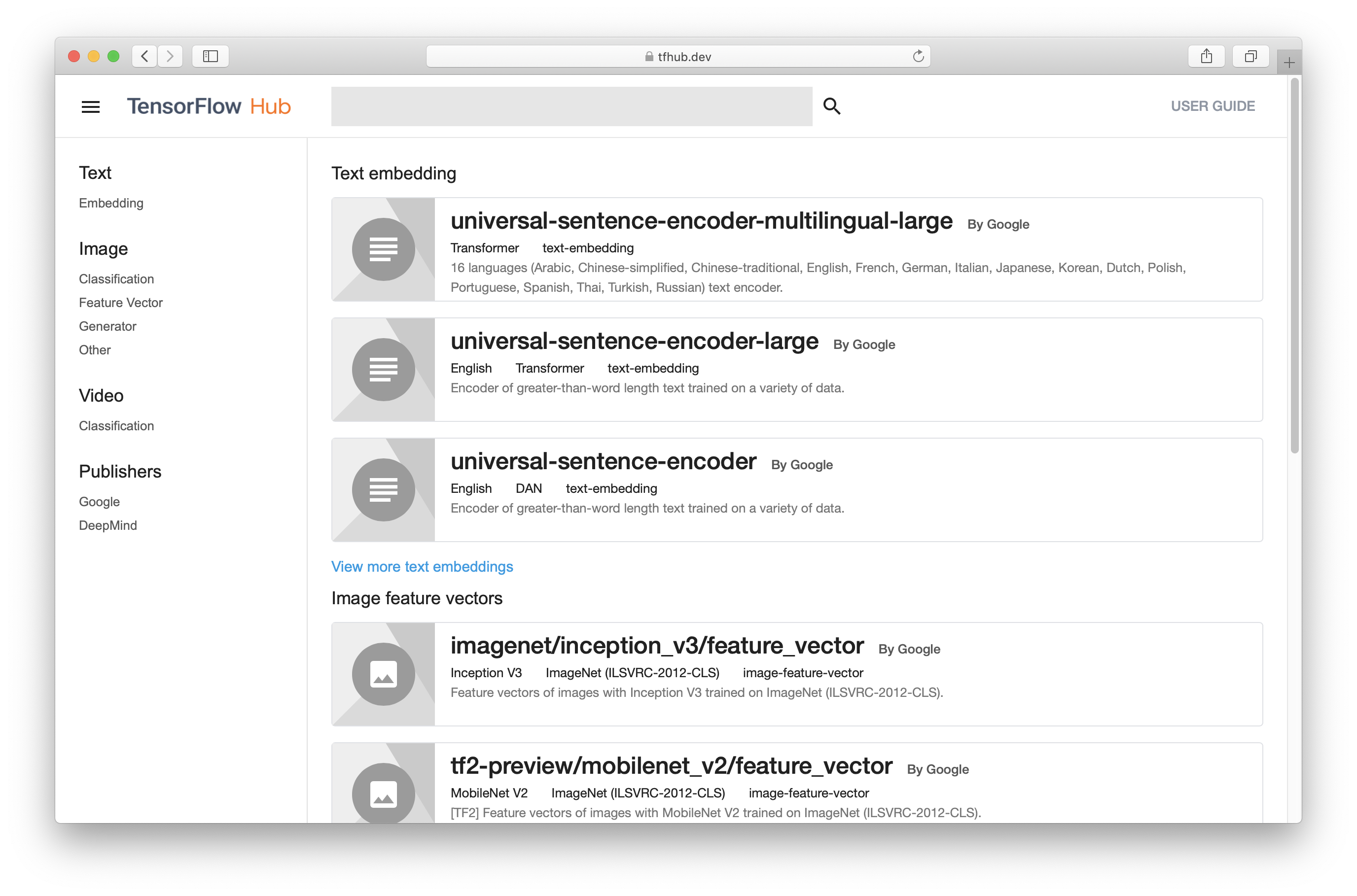
[tfhub.dev](https://tfhub.dev) is a gallery of pre-trained model ready to be used with TensorFlow Hub.